 Board Online
 Diagrams
 Kanban
 Whiteboard
 Mind map
 Grid paper
 Sticky notes
 Retro
 Collaborative
Eight boards in one place
Visual boards for ideas, plans and teamwork
Each kind of work gets its own board: flowcharts, Kanban, mind maps, retros and more. The drawing tools are the same on all of them.
You can use it now as Whiteboard Online, our Chrome extension for computers. The boards on this site are coming soon.
- Free
- Start without an account
- Encrypted sharing
- Templates to start your work
- Save in your browser

Explore the boards
One board. Endless possibilities.
Each one comes with the templates and tools its kind of work needs.
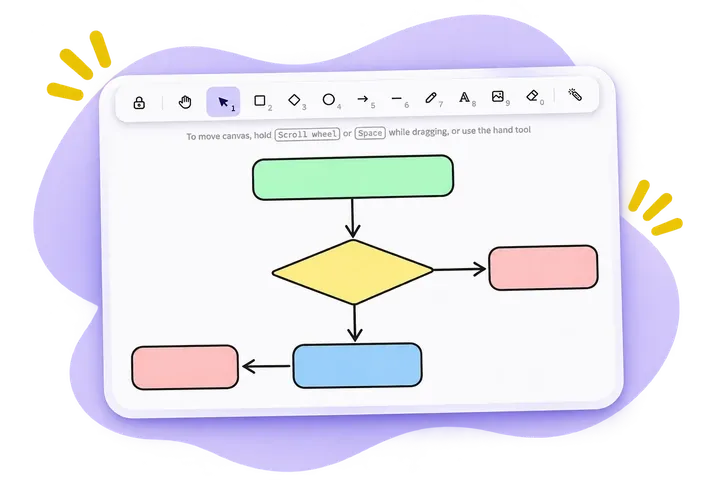

Diagrams and flowcharts
Start from a flowchart, an org chart, a timeline or a Venn diagram and change it to fit your process.
Coming soon
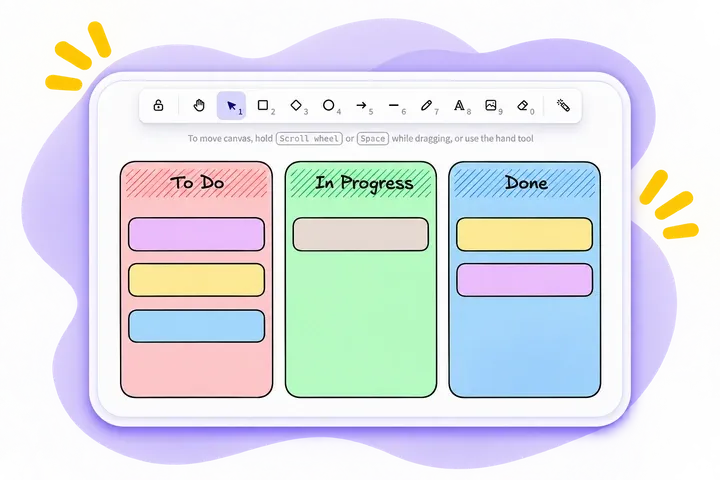

Kanban board
To Do, Doing and Done columns with sticky notes that you move along as the work goes.
Coming soon
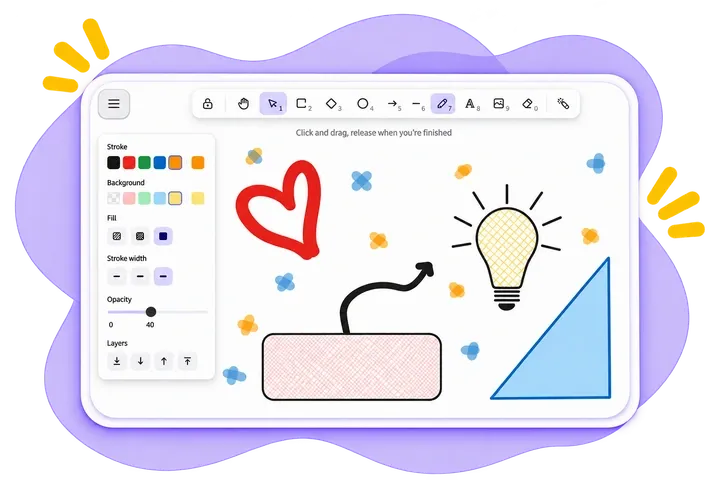

Online whiteboard
An empty canvas with a pen, shapes, arrows and text, for anything that doesn’t fit a template.
Coming soon
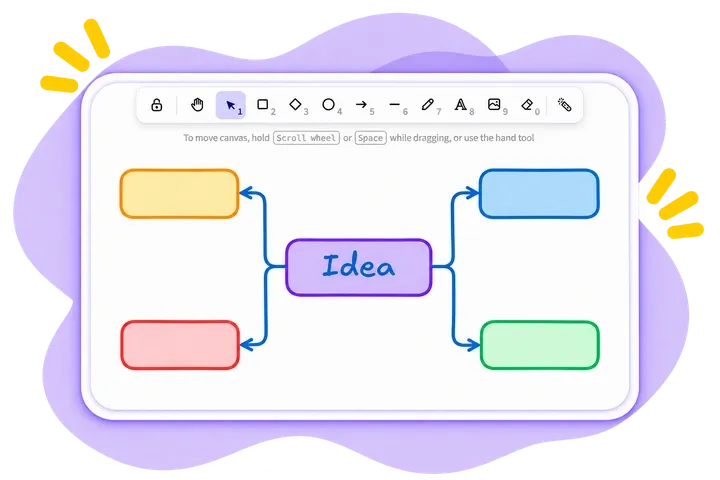

Mind maps and concept maps
Put the main idea in the middle and add branches around it, or link concepts with arrows.
Coming soon
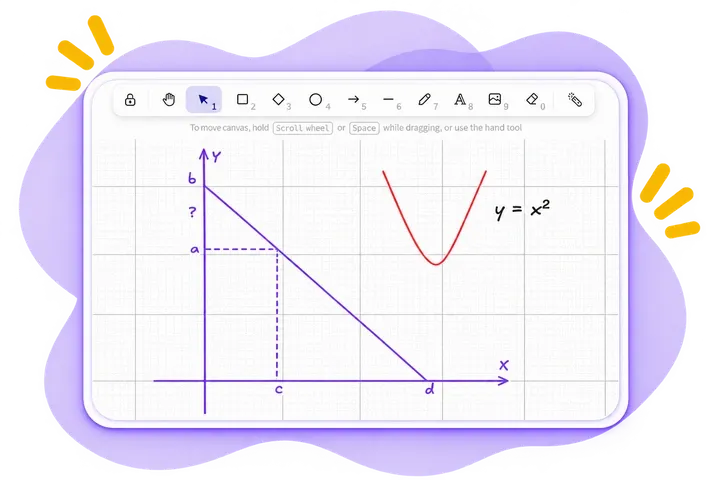

Grid and graph paper
Lined, dotted or dashed paper with shapes that snap to it, for math homework or a neat diagram.
Coming soon
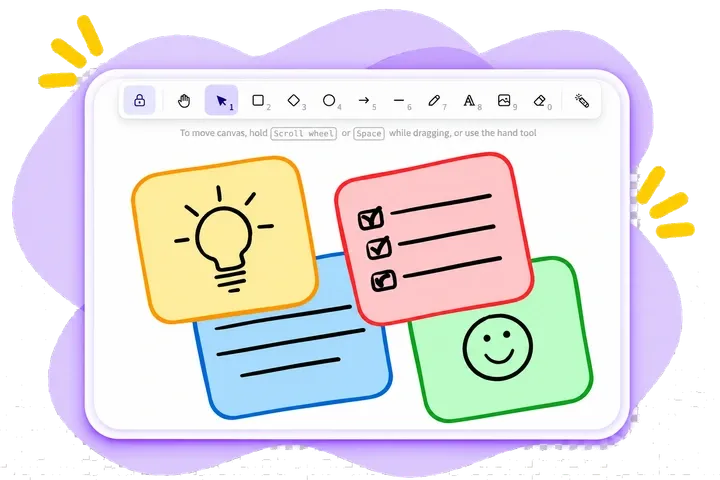

Sticky notes
Colored notes with text, a link, a picture, a checklist or an emoji, placed anywhere on the board.
Coming soon
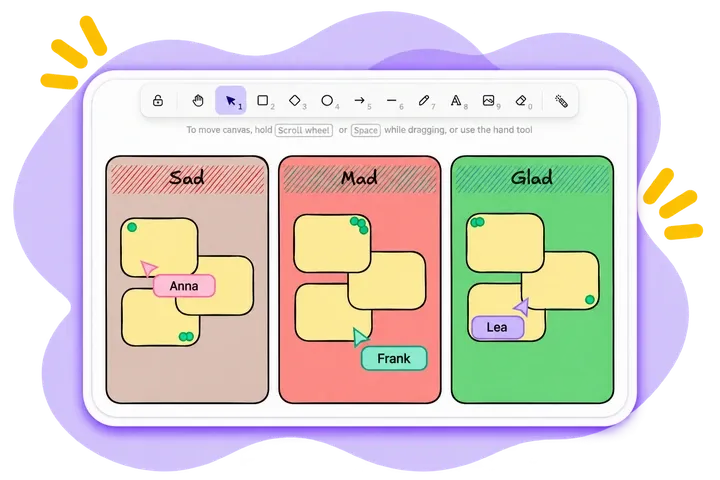

Retro board
Write notes in columns, vote with dots and agree on action items, with a timer for each step.
Coming soon
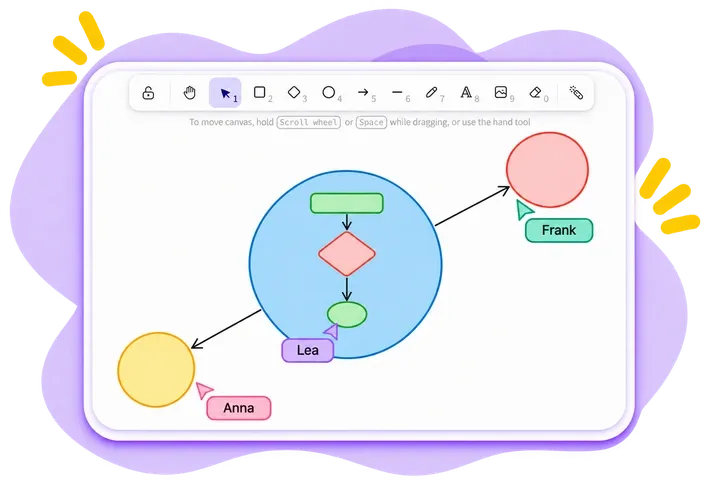

Collaborative whiteboard
Send a link and draw on the same board in real time. The drawing is encrypted end to end.
Coming soon


How it works
Get started in three simple steps
 Step 1
Choose your board
Pick the board for your task: a diagram, a Kanban board, a mind map or an empty whiteboard.
 Step 2
Pick a tool and start
Choose a shape, an arrow, text or the pen in the toolbar at the top of the board.
 Step 3
Use the board’s own tools
The panel on the right holds what this board needs, such as templates, stickers, columns or grid settings.


What you get
Why Board Online

Start without an account
You don’t sign up or pay for a subscription, and every tool works from your first visit.
Your boards stay yours
Boards are saved in your browser, not on our servers. Save one as a .boardonline file, open .excalidraw files, or export a PNG or SVG picture.
Draw together, encrypted
Share a link and draw on one board at the same time. The drawing is encrypted end to end, and the key stays in the link.
A board for every task
Open the board made for the job: Kanban already has its columns, Retro its stages and Grid its paper.
Phone, tablet or computer
Boards fit the screen and work with touch, so you can add a note from your phone.
Hand-drawn or clean
Shapes look drawn by hand, as on a real whiteboard. Switch them to clean lines when you need a neater look. The editor is built on Excalidraw, an open-source whiteboard.
Use cases
Built for the way you work

Teamwork
Plan the sprint on a Kanban board, so everyone works from the same list of tasks.

Education
Draw a graph on grid paper or build a mind map of the topic with your class.

Product and engineering
Sketch the user flow or the system diagram before anyone writes code.

Brainstorming
Put every idea on a sticky note, then group them and pick the ones worth doing.

Workshops and retrospectives
Run a retro with columns, dot votes and a timer, and leave with a list of action items.

Personal planning
Plan a trip, a move or your week on a board that stays in your browser.


FAQ
Frequently asked questions

What is Board Online?
A set of online boards for drawing and planning, alone or with others. There are eight of them: diagrams and flowcharts, Kanban, a whiteboard, mind maps, grid paper, sticky notes, retros and a board for drawing together. Each one comes with tools for its kind of work.
Can I use it today?
Yes. Our Chrome extension, Whiteboard Online, has the whiteboard and live drawing with others. The boards on this site are coming soon.
Get Whiteboard Online for ChromeIs it free? Do I need an account?
It is free, and there is no account or subscription. Open a board and start drawing.
Where are my boards saved?
In your browser, on your device. We don’t receive your drawings unless you start a live session. Clearing your browsing data deletes the boards too, so save the ones you need to a file.
How does drawing together work? Is it private?
Start a session and send the link to the people you want. Everyone with the link draws on the same board and sees changes as they happen. The drawing is encrypted in your browser and the key is part of the link, so the server stores only data it can’t read.
Does it work on a phone or tablet?
The boards on this site work on phones and tablets, with touch. The Chrome extension needs Chrome on a computer.
Which files can I open and save?
You can save a board as a .boardonline file and open it later, and you can open .excalidraw files too. To share a picture, export the board as PNG or SVG.
Ready to turn ideas into visual boards?
For now Board Online is available as a Chrome extension. The boards are coming to this site soon.
Add to ChromeFor Chrome on a computer.